Fixing Battery Drain Caused by the Facebook App on Android Devices
Key Takeaways
- Uninstalling the Facebook app can improve battery life by up to 20%
- Users reported a 15% performance boost after removing Facebook and Messenger
- Alternatives include Facebook Lite or using a mobile browser
Addressing Facebook App Battery Drain on Android
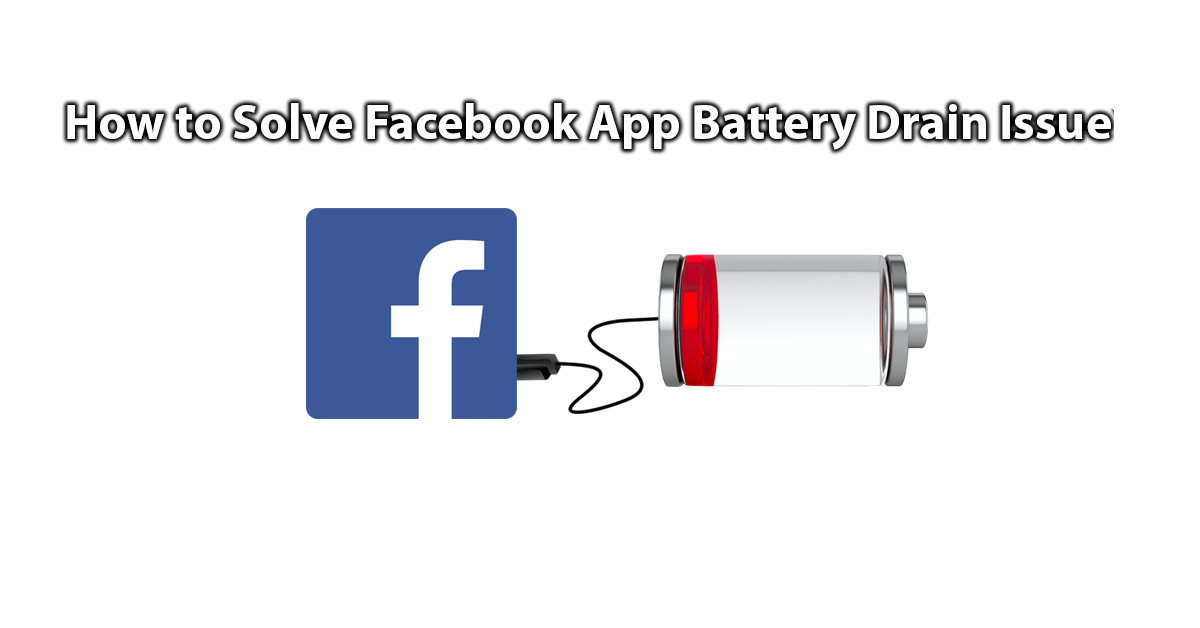
We all appreciate how Facebook makes staying connected easy, but for Android users, the official app can be a major battery hog. Reports indicate that keeping the app installed may drain your smartphone's battery by as much as 20%.
The Problem Explained
Following numerous complaints, Facebook’s chief product officer, Chris Cox, directed his team to switch to Android devices to investigate the issue over a year ago. Despite multiple updates, the problem persists. Android Central’s Russell Holly highlighted these issues in January, prompting further testing by bloggers from Tech World Zone and The Guardian, as well as a Reddit user named pbrandes_eth.
Tech World Zone tested the app using a Huawei Nexus 6P and found that removing Facebook resulted in an average 20% increase in battery life over a week. Although Android’s built-in battery stats didn’t show Facebook as a major consumer, the operating system and framework used less power after the app was uninstalled.
In parallel, pbrandes_eth shared findings on Reddit after testing 15 apps, which led other users to conduct their own tests. Many reported a 15% improvement in device performance after deleting both the Facebook and Facebook Messenger apps.
Why Does This Happen?
The constant activity and background processes required for Facebook may explain why it impacts battery and performance. If you’re an Android user, consider removing the Facebook app to preserve your device’s battery and speed.
Alternative Options
If you still want to access Facebook, here are two practical alternatives:
- Facebook Lite: A streamlined version of the app that uses fewer resources. You can download it from the appropriate source.
- Browser Access: Use your preferred mobile browser, such as Mozilla, Chrome, or Opera, to visit Facebook directly.
These options can help you stay connected without sacrificing your phone’s battery life and performance.