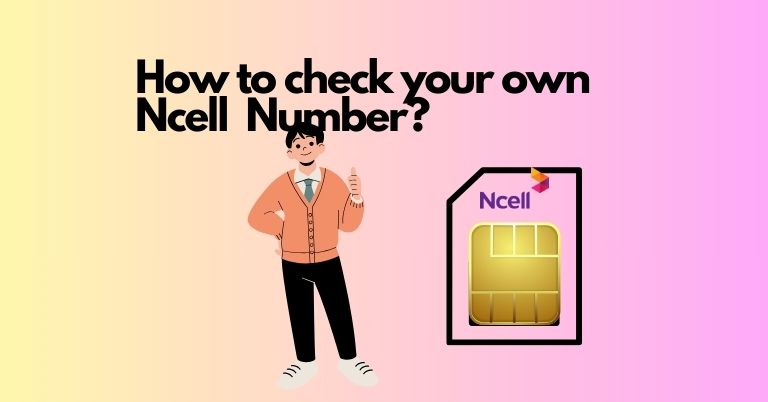
Easy Ways to Find Your Ncell Mobile Number
Key Takeaways
- Learn three quick methods to find your Ncell number: USSD codes, the Ncell app, and a missed call
- USSD codes *903# and *103# instantly display your number
- The Ncell app shows your number at the top right corner when logged in
Quick Methods to Find Your Ncell Mobile Number
Finding your own mobile number is straightforward, but it can be tricky if you’re not familiar with mobile tools. This guide focuses specifically on Ncell users and walks you through three reliable ways to check your Ncell number quickly.
Why You Might Need Your Ncell Number
Most people know their own phone numbers, but when you get a new SIM, it can take time to memorize it. Having a quick way to check your number is helpful, especially when someone asks for it right away.
Method 1: Use USSD Codes
The easiest way to see your Ncell number is through USSD codes. Follow these steps:
- Open your phone’s dialer.
- Dial either *903# or *103#.
- Press the call button.
Your Ncell number will appear in the USSD dialog box.
Method 2: Give a Missed Call
If you don’t want to use USSD, you can also find your number by making a missed call to any nearby phone. When the call doesn’t connect, the recipient may see your number, which you can then confirm.
Method 3: Check via the Ncell App
If you already have the Ncell app installed and are logged in, finding your number is even simpler:
- Open the Ncell app.
- Look at the top right corner of the screen.
Your Ncell number and account balance will be displayed there.