How to Obtain NTC eSIM in Nepal: Online and Offline Methods
Key Takeaways
- NTC launched eSIM services in Nepal, partnering with Monty UK Global Limited
- Existing customers can convert a physical SIM to eSIM for 50 rupees; new eSIMs cost 140 rupees
- eSIM activation can be completed online via the Nepal Telecom app or Khalti, or at any NTC office
- Ensure your device supports eSIM by checking for an EID value using *#06#
- US-purchased eSIM-only iPhones require MDMS registration to work on NTC's network
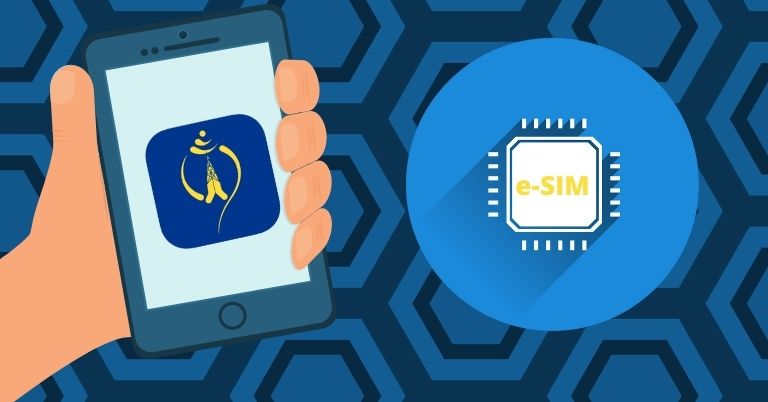
Nepal Telecom Corporation (NTC) has rolled out eSIM services in Nepal, marking a significant shift from traditional physical SIM cards. Through a collaboration with UK-based Monty UK Global Limited, NTC now provides customers with the option to activate a digital SIM remotely, eliminating the need for a physical card.
What is an eSIM? An eSIM, or Embedded SIM, is a digital SIM embedded in compatible devices. Unlike traditional SIM cards, an eSIM allows users to connect to a mobile network without inserting a physical card. The telecom operator remotely activates the eSIM, assigning a mobile number and service plan. eSIM data is rewritable, enabling users to switch operators with a simple phone call. The technology adheres to GSMA standards.
Advantages of eSIM
- Simplified network operator switching
- Supports dual-SIM functionality
- Reduces physical space compared to traditional SIM cards
Disadvantages of eSIM
- Switching between smartphones can be cumbersome
- Potentially easier to track location data
eSIM-Compatible Devices Many recent flagship smartphones support eSIM, including:
- Apple: iPhone XS through iPhone 17 series
- Samsung: Galaxy S21 through S25 series, Note 20 FE, Z Flip and Z Fold series from models 3 through 5
- Google: Pixel 4 through Pixel 10 series
NTC eSIM Availability and Implementation NTC became the first carrier in Nepal to offer eSIM services, beginning deployment in the fiscal year 2078/79. An agreement with Monty UK Global Limited was finalized in April 2022, and eSIM services officially launched on Bhadra 31, 2079 (September 16, 2022). Initially limited to 50 units distributed from the Sundhara branch, eSIMs are now available at all NTC offices outside the Kathmandu Valley.
Checking eSIM Compatibility on Your Device To determine if your smartphone supports eSIM, dial *#06#. If the device displays an EID (Embedded Identification Document) value alongside the IMEI numbers, it is eSIM compatible. This information can also be found in the “Status Information” section of the device settings or on the product page.
How to Obtain an NTC eSIM Existing NTC prepaid and postpaid customers can convert their physical SIM to an eSIM for 50 rupees. New eSIM registrations cost 140 rupees (90 rupees for a new SIM plus a 50 rupee conversion fee).
Online Process via Nepal Telecom App
- Open the Nepal Telecom app
- Fill out the required form
- Submit a live photo of your official identification document (the app does not allow gallery uploads)
- After submission, an activation QR code will be sent to your email
Offline Process at NTC Office
- Visit any NTC office with a copy of your citizenship (both sides)
- Complete the form and submit the document
- An NTC staff member will activate the eSIM on your device in 3–5 minutes
- You will receive a paper with a QR code, ICCID number, and activation code for future phone switches
Purchasing an NTC eSIM via Khalti The Khalti digital wallet enables a convenient eSIM purchase:
- Open the Khalti app and search for “E-SIM”
- Select the NTC Prepaid E-SIM option
- Enter personal details: full name, parent’s and grandparent’s names, birth date
- Provide document information: citizenship, passport, driving license, voter ID, or national ID, including issue date and permanent address
- Upload live photos of the front and back of your ID and a real-time self-photo
- Enter your contact number and email
- Complete the purchase for 90 rupees, which will be deducted from your Khalti balance
- A Khalti representative will contact you within 24 hours to finalize the process
Setting Up an eSIM on Your Device For Android, go to Settings and select “Add Mobile Plan.” On iPhones, choose “Add Cellular Plan.” The exact menu name may vary by manufacturer. Scan the provided QR code and follow on-screen instructions to customize the plan name if desired.
Using US-Purchased eSIM-Only iPhones in Nepal The iPhone 14, 15, 16, and 17 series sold in the US feature eSIM-only models. To use these devices in Nepal:
- Register the phone under Nepal’s Mobile Device Management System (MDMS), which began enforcement on September 15, 2022. Unregistered foreign devices risk being blocked by local networks.
- Ensure the device is compatible with NTC’s eSIM service, which is now available
Frequently Asked Questions
- Cost: Converting an existing SIM to eSIM costs 50 rupees; a new eSIM costs 140 rupees.
- Security: eSIM is safe to use and functions identically to a physical SIM card.
- Visit Required?: No, eSIM activation can be completed online via the Nepal Telecom app or Khalti, though office visits remain an option.
Last updated: February 8, 2026

![Infinix Mobile Price in Nepal [Updated 2026]](https://d1sudpwijxjvof.cloudfront.net/media/infinix-mobile-price-nepal/5f9e1d00c8861eed.jpg)