Understanding Phishing Attacks and How to Protect Yourself Online
Key Takeaways
- Phishing involves tricking users into sharing sensitive data through fake websites or messages
- Key signs of phishing include suspicious URLs, missing HTTPS, spelling errors, and too-good-to-be-true offers
- Protection strategies include verifying links, using unique passwords, and installing security software
Understanding Phishing Attacks and How to Protect Yourself Online
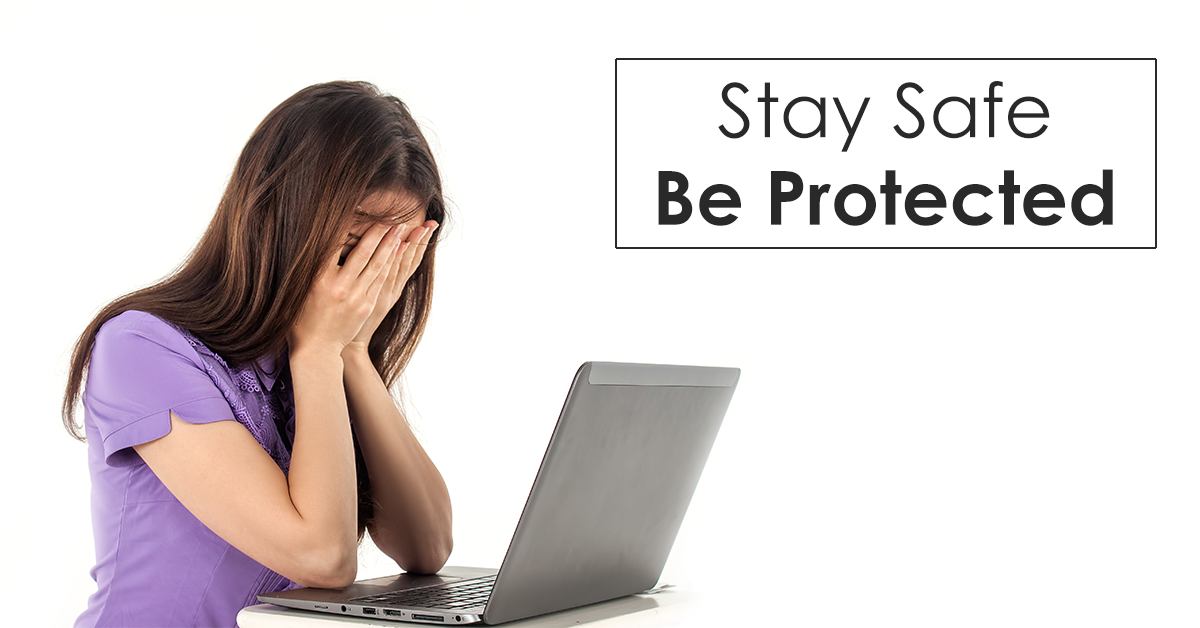
Phishing attacks are a common method used by cybercriminals to steal sensitive information such as usernames, passwords, banking details, and credit card numbers. These attacks often involve fake websites or emails that appear legitimate, tricking users into providing personal data. Once obtained, this information can be misused for fraudulent activities, including financial theft and account hijacking.
What is a Phishing Attack?
A phishing attack is an attempt to acquire sensitive information by disguising as a trustworthy entity, usually through deceptive websites or emails. The term “phishing” is derived from the idea of “fishing” for information, where attackers lure victims with enticing offers or urgent requests to click on malicious links. These links often lead to websites that closely mimic legitimate ones, complete with cloned designs and content, making them difficult to distinguish at first glance.
How to Identify Phishing Websites
One of the most effective ways to protect yourself from phishing is to learn how to recognize suspicious websites:
1. Examine the URL Carefully
- Always check the domain name in the address bar. Legitimate websites typically use their brand name or an acronym in the URL. If the address lacks this or contains unusual characters, it may be a phishing site.
- Be cautious of subdomains that mimic real sites, such as “Facebook.blogspot.com.”
2. Look for HTTPS and a Padlock Icon
- Secure websites begin with “https://” and display a padlock icon in the address bar. The absence of these indicators could mean the site is not secure and may be phishing.
3. Watch for Spelling and Grammar Mistakes
- Phishing sites often contain typos or grammatical errors in the domain name or on the page itself. For example, “Fakebook.com” or “Faecbook.com” are clear red flags when trying to impersonate “Facebook.com.”
4. Enter URLs Manually
- Instead of clicking links, type the website address directly into your browser. If the address auto-fills, it’s a positive sign the site is likely legitimate.
5. Be Wary of Unusually Long URLs
- Phishing sites sometimes use long, complicated addresses to hide malicious intent. A reasonably short and clean URL is generally a good sign.
How to Protect Yourself from Phishing Attacks
Despite the sophistication of some phishing attempts, there are several practical steps you can take to reduce your risk:
-
Ignore Emails and Links from Unknown Senders: If you’re unsure about the legitimacy of an email or link, do not click on it. When in doubt, contact the organization directly using a known contact method.
-
Regularly Monitor Your Accounts: By frequently checking your bank, email, and other online accounts, you can quickly spot any unauthorized activity and take action.
-
Never Send Sensitive Information Via Email: Reputable companies will never ask for personal or financial details over email. If you receive such a request, verify it independently.
-
Be Skeptical of Offers That Seem Too Good to Be True: Phishing attacks often use attractive offers as bait. If an opportunity looks unusually rewarding, treat it with caution.
-
Avoid Logging In on Public or Unfamiliar Devices: If possible, refrain from accessing sensitive accounts on shared or public computers, as they may not be secure.
-
Verify Software Developers: When downloading apps or software, ensure they come from official and trusted developers to avoid phishing tools.
-
Use Unique Passwords for Each Account: Reusing passwords across multiple sites increases your risk. If one password is compromised, all accounts using that password could be exposed.
-
Beware of Pop-Up Links: Pop-ups often contain phishing links. Avoid clicking them, copying their links, or entering personal data in these windows.
-
Install Security Software: Protect your devices with up-to-date firewall, antivirus, and anti-spyware programs. These tools can help detect and block phishing attempts.
By staying vigilant and following these guidelines, you can significantly lower your chances of falling victim to phishing attacks and keep your personal information safe in an increasingly digital world.