2016's Most Common Weak Passwords and How to Create Stronger Ones
Key Takeaways
- The article lists the most common weak passwords of 2016, which remain easy to crack
- It provides actionable tips for developing stronger, more unique passwords
- Emphasizes the importance of using varied characters, longer lengths, and unique passwords for each account
2016's Most Common Weak Passwords and How to Create Stronger Ones
In today's connected world, passwords serve as the primary barrier protecting our digital information. From mobile devices to network routers, we rely on passwords for security. However, many people still use extremely weak passwords that can be easily guessed or cracked. Let’s examine the most common weak passwords from 2016 and explore better strategies for creating robust replacements.
The Worst Passwords of 2016
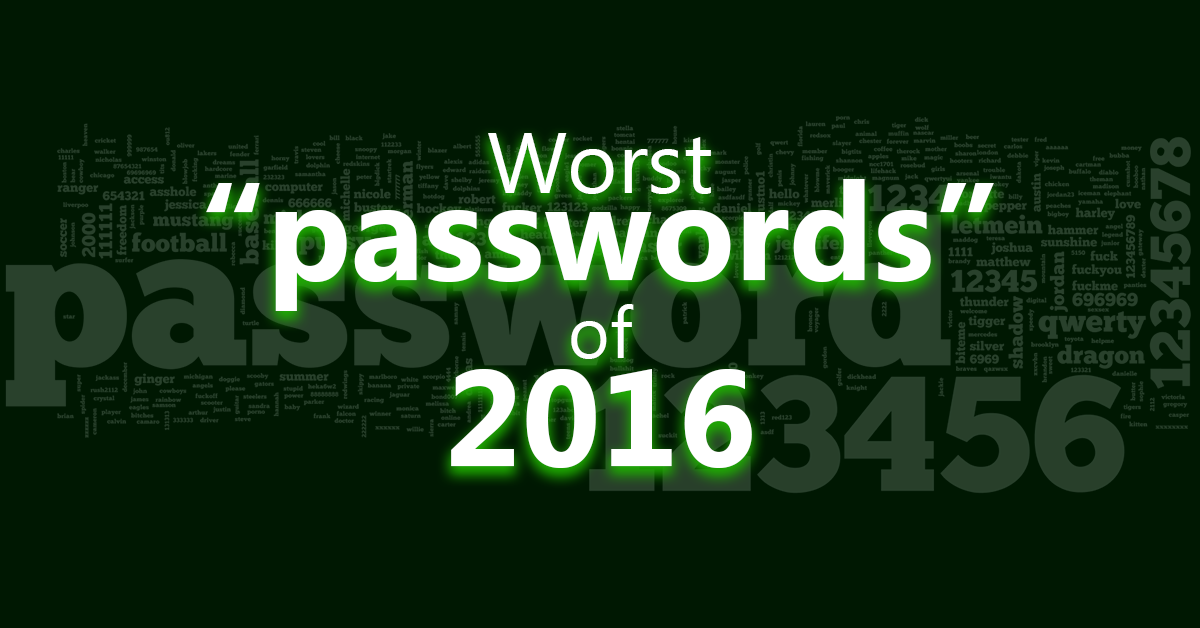
The following list shows the passwords that were most frequently used in 2016, making them unfortunately popular targets for attackers:
- 123456
- password
- qwerty
- abc123
- 1234567890
- 9876543210
- qwertyuiop
- 1qaz2wsx
- welcome
- monkey
- football
- baseball
- letmein
- login
- princess
- master
- 123123
- 111111
- passw0rd
- starwars
These passwords are problematic because they follow simple patterns, use common words, or rely on sequential numbers—all traits that make them vulnerable to guessing or brute-force attacks.
Tips for Creating Strong Passwords
To improve online security, consider these guidelines when crafting passwords:
- Prioritize length: Longer passwords are harder to crack. Aim for at least 12 characters or more.
- Avoid phrases without spaces: Do not use phrases like “SheIsMine” as they are easy to predict.
- Combine unrelated words: Instead of related terms like “WaterDrinksIce”, try random combinations such as “BirdsBikeDesertHoliday”.
- Mix character types thoughtfully: Include uppercase letters, lowercase letters, numbers, and special symbols, but avoid placing them in predictable positions. For example, “Let$7G0$hopping9” is stronger than “LetsGoShopping99”.
- Use unique passwords for each account: Never reuse the same password across multiple sites. If one password is compromised, all your accounts could be at risk.
While password generators can create strong passwords, they sometimes produce strings that are hard to remember. The best approach is to create your own password using the principles above. You can also test your password strength using tools such as PasswordMeter, although remember that no password is absolutely unbreakable.
Adopting these practices will significantly enhance the protection of your personal and sensitive information online.